The App
See Ever Sweep In Action
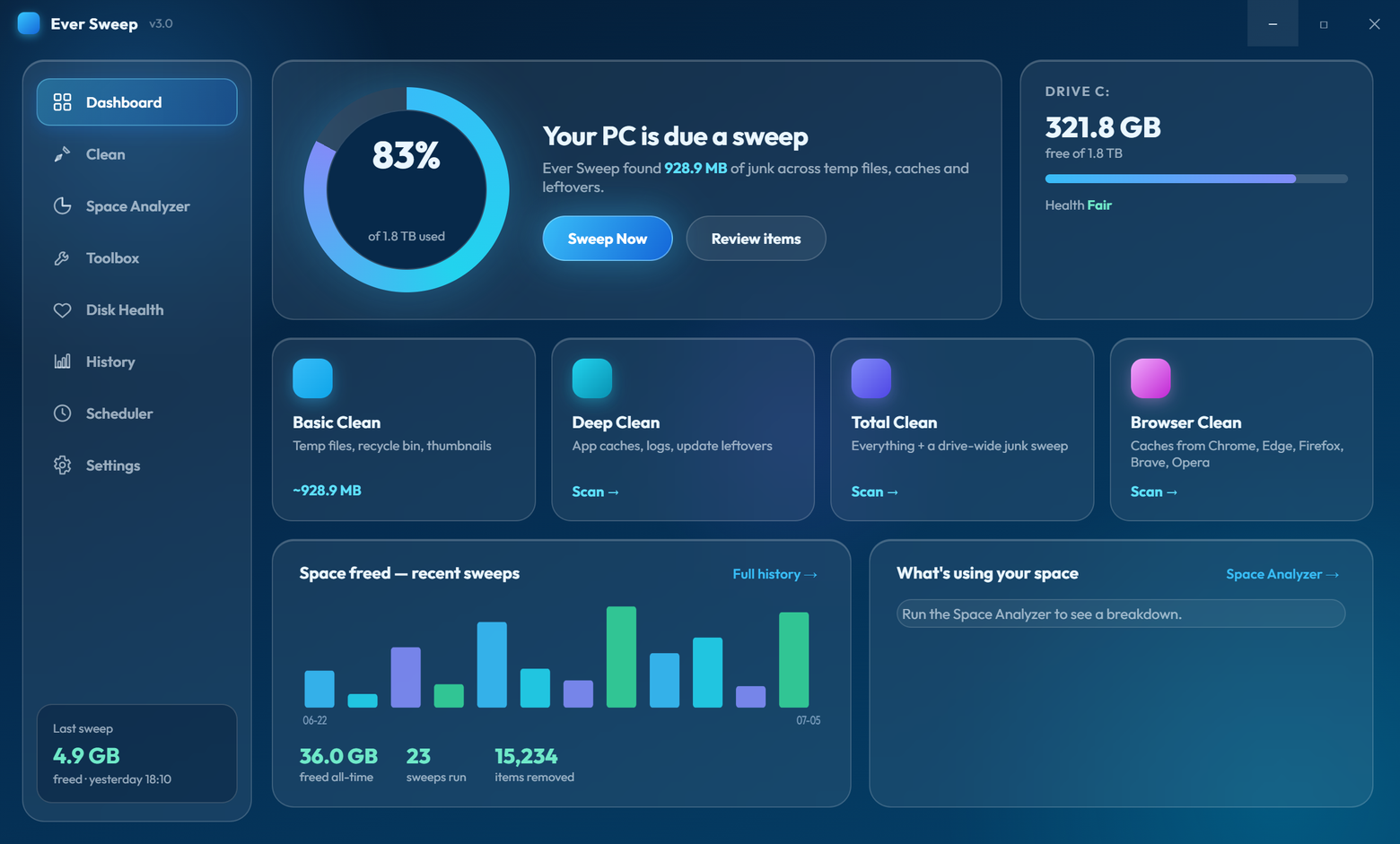
Ever Sweep finds and removes gigabytes of hidden junk files, browser caches, and forgotten duplicates — safely and in seconds.
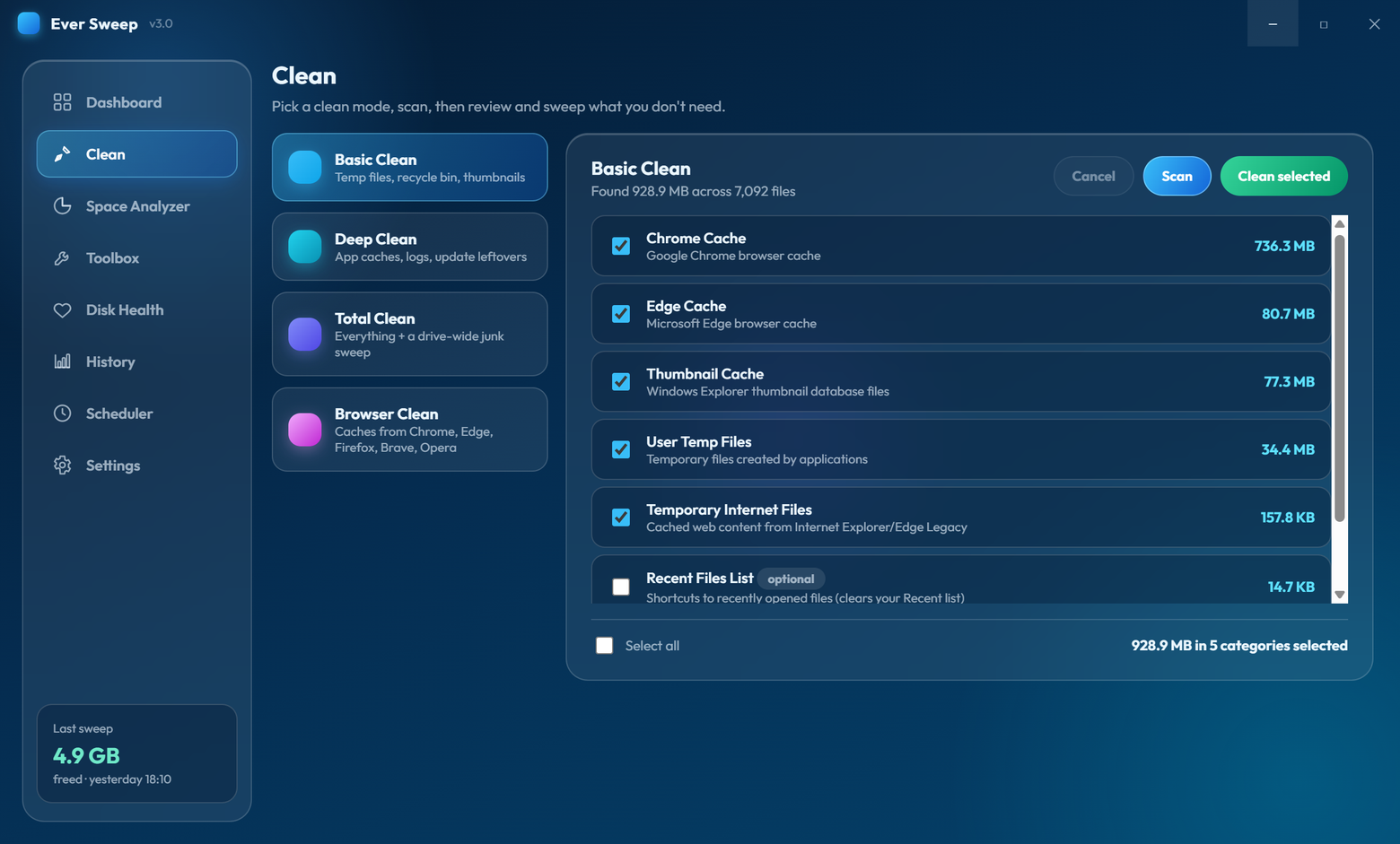
Choose the depth that suits you. From a quick tidy-up to a full system deep dive.
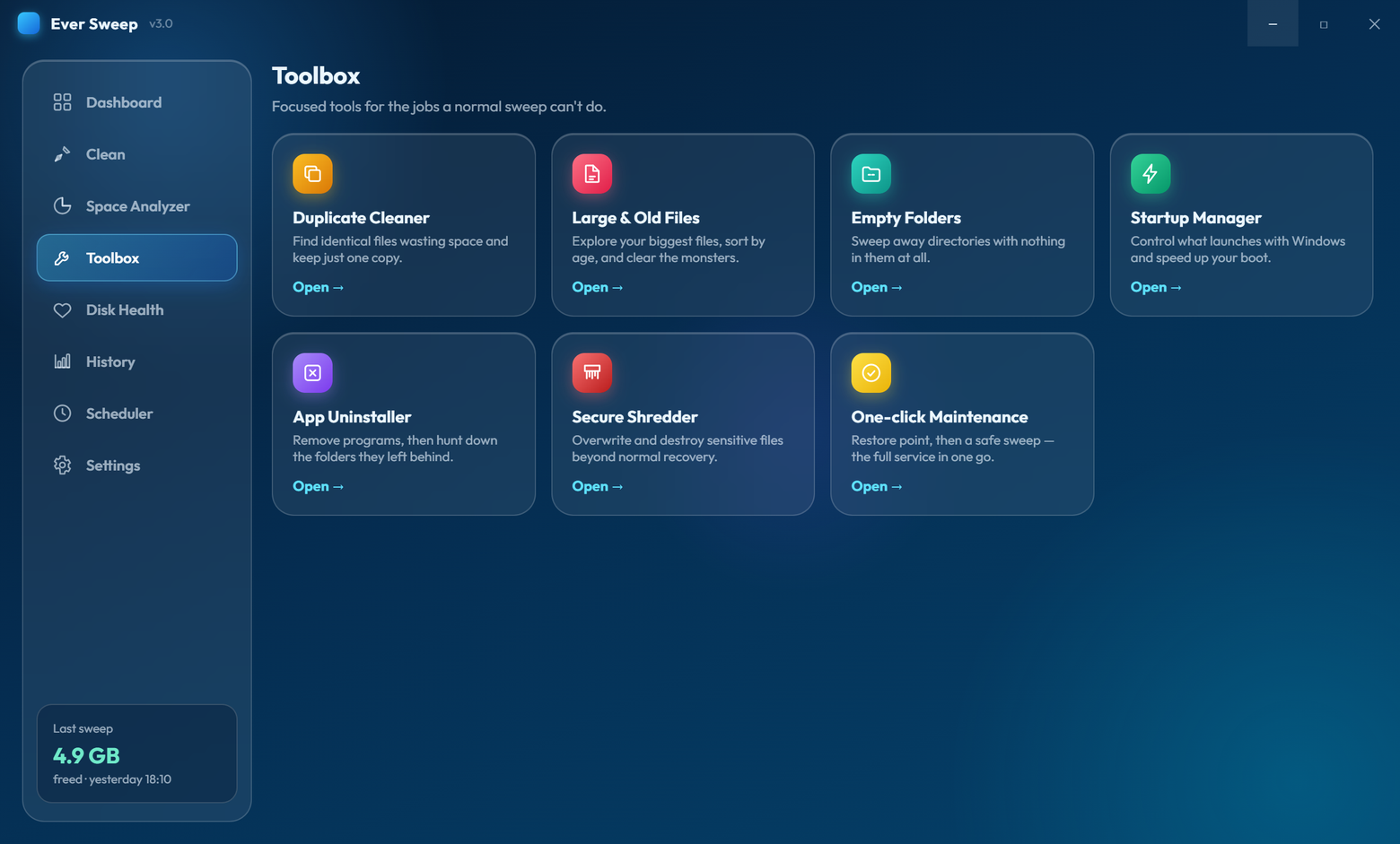
Version 3.0 turns Ever Sweep into a complete maintenance suite — ten focused tools beyond the classic junk sweep, all free.
Find byte-identical files, keep the newest copy, recycle the rest.
Your biggest files sorted by size and age, with safe one-click removal.
Sweep away directories with nothing in them at all.
Toggle programs that launch with Windows — reversible, like Task Manager.
Remove programs, then hunt down the leftover folders they abandoned.
Overwrite sensitive files with random data so recovery tools find nothing.
System Restore point, then a safe sweep — the full service in one go.
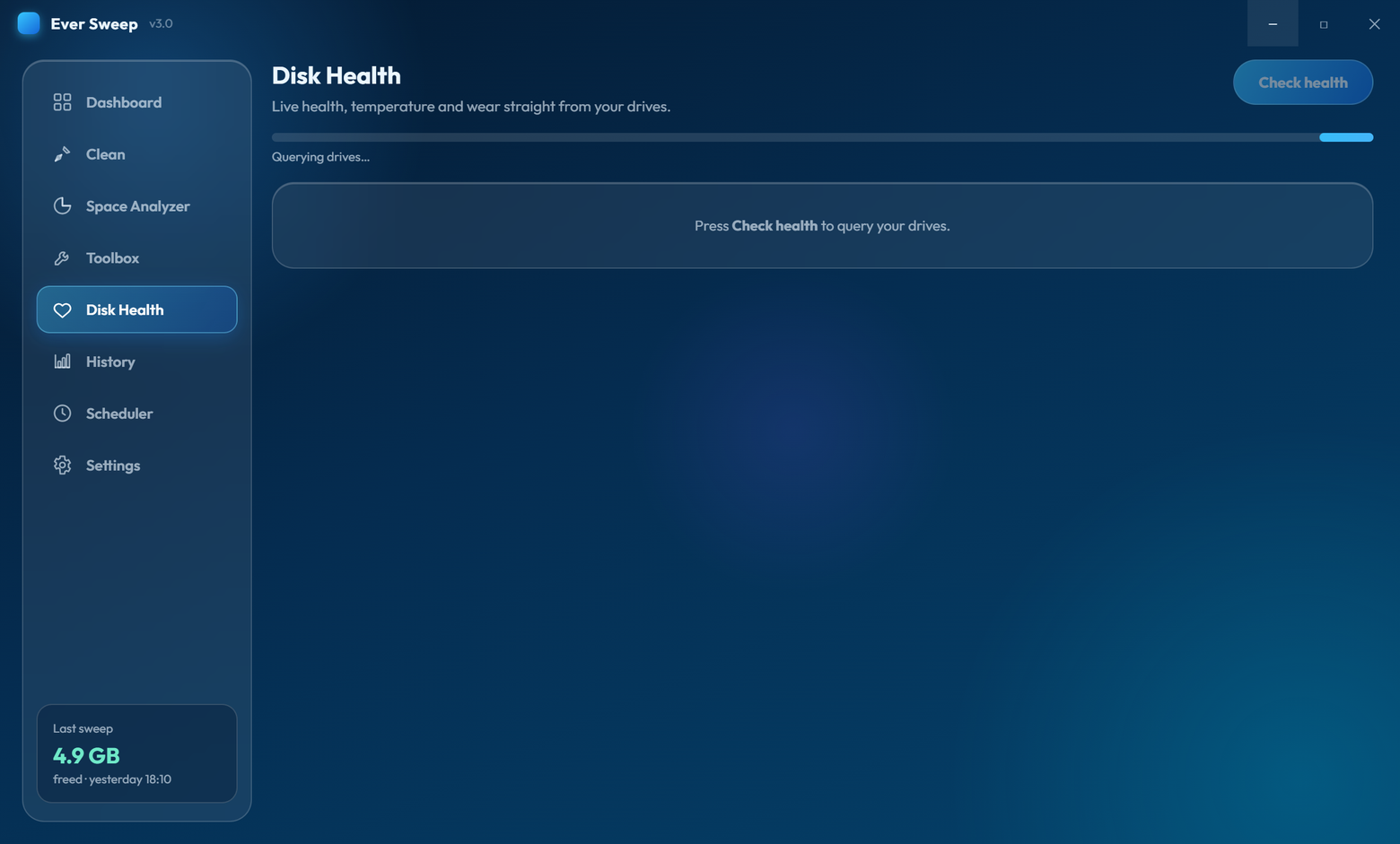
Live drive health, temperature and wear from Windows storage telemetry.
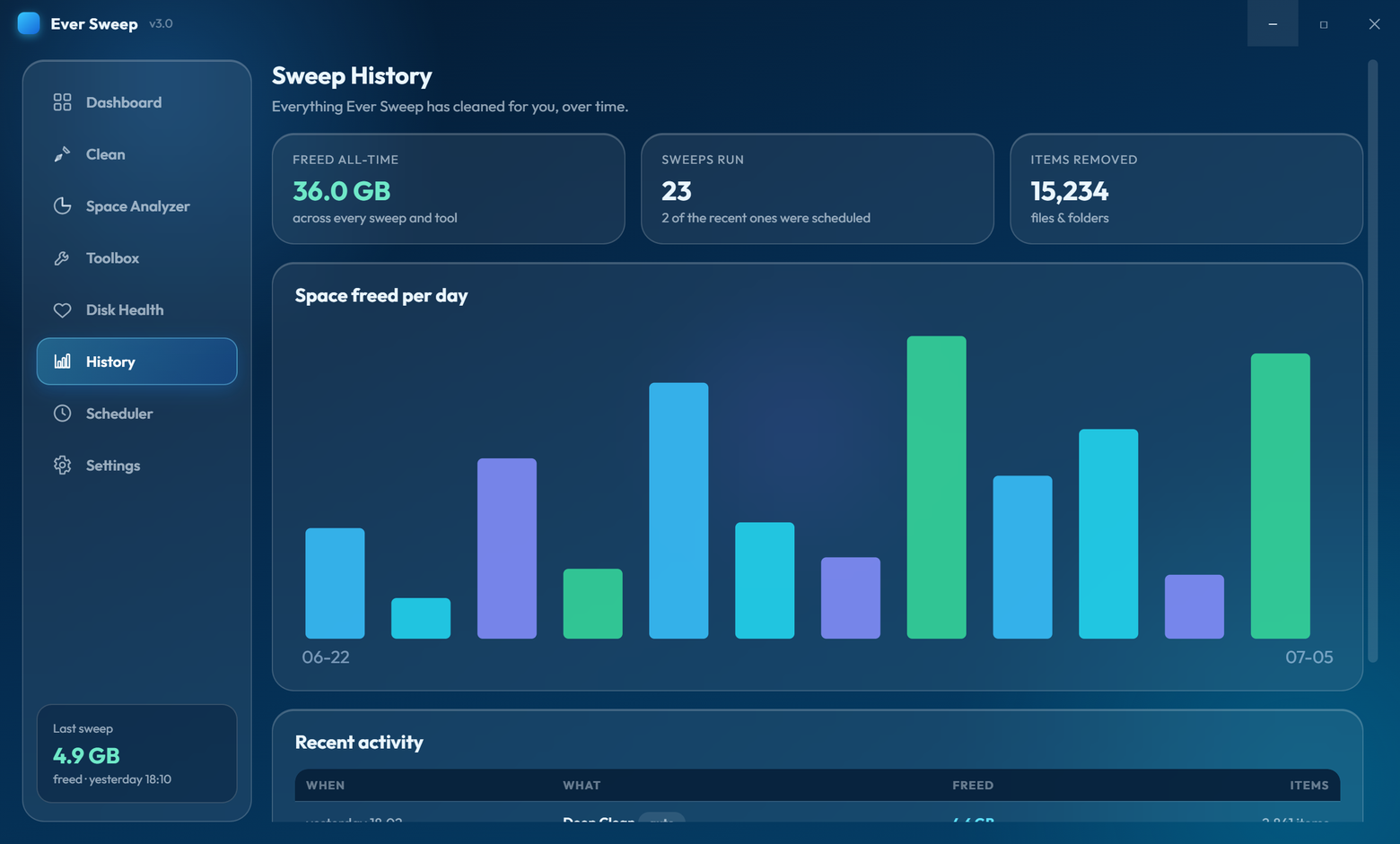
Every clean recorded, charted, and totalled — watch the gigabytes add up.
Daily, weekly or monthly auto-cleans that only touch safe, reversible categories.
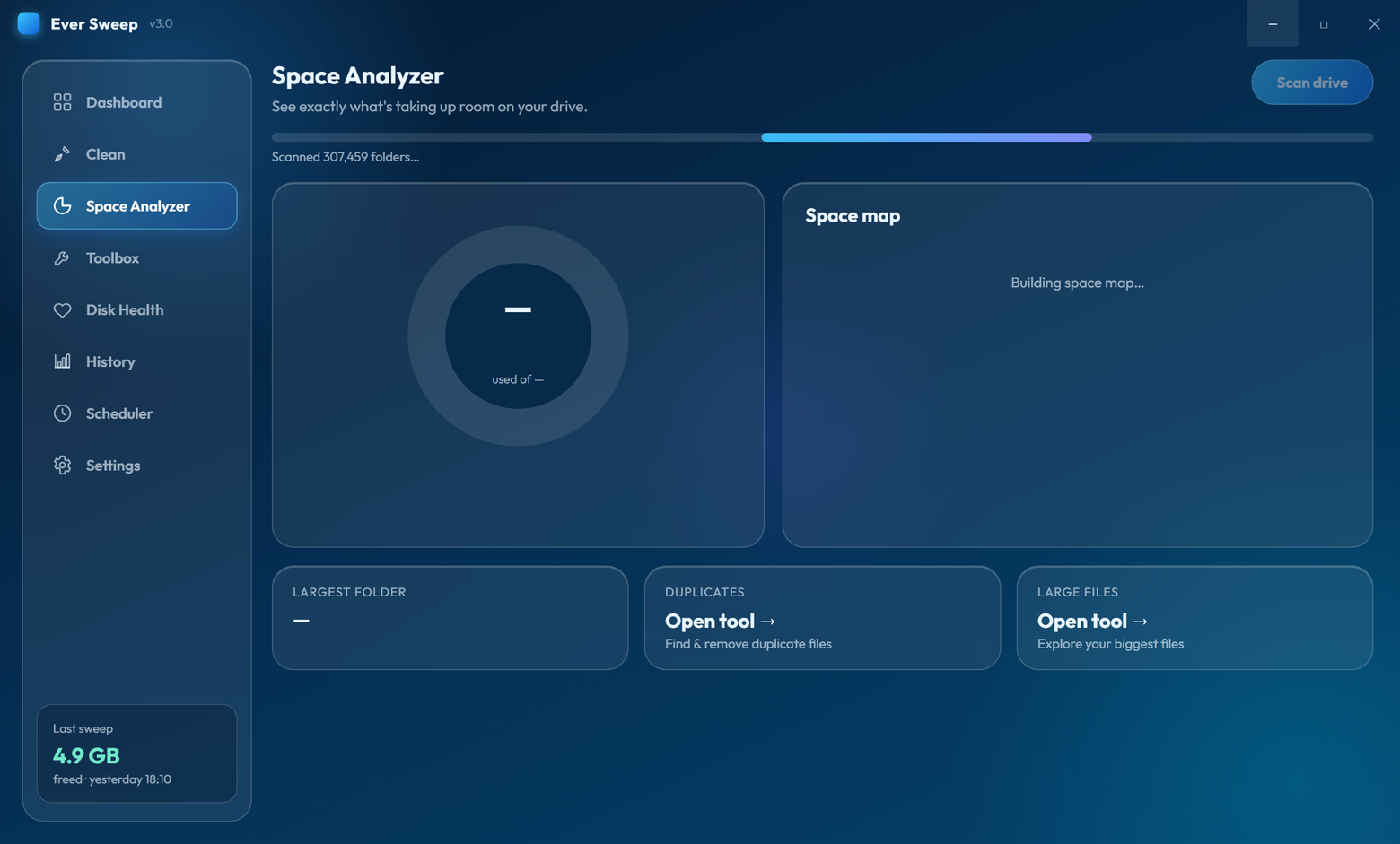
Interactive visualisation shows exactly where your storage is going. No more guessing.
See used, free, and total space at a glance with a colour-coded usage bar.
Instantly spot which folders are using the most space with interactive size comparison bars.
Smart algorithms identify cache folders, excessive file counts, and stale data hogging your drive.
Ever Sweep has multiple layers of protection to ensure your important files and system stability are never at risk.
Critical files like pagefile.sys, bootmgr, hiberfil.sys, and Windows registry hives are hardcoded as untouchable — they can never be selected or deleted.
System32, WinSxS, Recovery, Boot, and other critical Windows directories are completely excluded from all scans.
OneDrive, Dropbox, Google Drive, iCloud, and other cloud-synced folders are automatically detected and skipped to prevent unwanted downloads or deletions.
Nothing is ever removed without your explicit approval. Review every category and file before committing to cleanup.
Multi-pass verification using SHA256 hashing and random spot sampling virtually eliminates false positives.
After every cleanup, see exactly how much space was freed, how many files were deleted, and which files were skipped due to being locked or protected.
Automatically detects administrator privileges and clearly warns you when certain features are unavailable due to permission levels.
Choose to send deleted files to the Recycle Bin instead of permanently removing them, giving you an extra safety net.
No complicated setup. No confusing options. Just pick, review, and clean.
Choose your cleaning depth and hit Scan. Ever Sweep analyses your entire system in seconds, categorising every junk file it finds.
Browse results by category with full file paths and sizes. Select exactly what you want to remove — nothing is automatic, you're always in control.
Confirm your selection and clean. Watch the real-time progress bar as files are removed, then see a detailed report of freed space.
Take back control of your disk space. Free, safe, and ready in seconds.
Download for WindowsVersion 3.0 adds a full Toolbox: Duplicate Cleaner, Large & Old Files explorer, Empty Folder cleaner, Startup Manager, App Uninstaller with leftover detection, Secure File Shredder, One-click Maintenance with System Restore points, live Disk Health monitoring, a Sweep History dashboard with charts, and safer scheduled sweeps — plus a redesigned interface and dozens of safety improvements under the hood.
Yes. The built-in Scheduler creates daily, weekly or monthly auto-sweeps using the Windows Task Scheduler. Scheduled runs are deliberately conservative: they only ever touch safe, reversible categories like temp files and caches — never the Recycle Bin, your Recent files, or the drive-wide junk scan.
Yes, completely free. There are no ads, no premium tiers, no subscriptions, and no hidden fees. Ever Sweep is and always will be 100% free to use for both personal and commercial purposes.
Ever Sweep has been carefully designed with safety as a top priority. Over 40 critical system files and multiple system directories are hardcoded as protected and can never be selected or deleted. You also review and approve every single item before any deletion occurs. That said, we always recommend maintaining regular backups of important data.
Quick Clean works perfectly without admin rights. Deep Clean and Total Clean benefit from administrator privileges to access system-level caches like Windows Update files, prefetch data, and system logs. Ever Sweep will automatically prompt for elevation and clearly indicate which features are limited without admin.
Cloud storage folders are automatically detected and excluded from all scans. This includes OneDrive (Personal and Business), Dropbox, Google Drive, iCloud Drive, Box, and Adobe Creative Cloud. Your synced files are completely safe.
By default, files are permanently deleted and cannot be recovered. However, you can change this in Settings to send deleted files to the Recycle Bin instead, giving you a chance to recover them if needed. We strongly recommend maintaining backups of any important data before performing cleanup operations.
Ever Sweep can clear caches from five major browsers: Google Chrome, Microsoft Edge, Mozilla Firefox, Brave, and Opera. Each browser's cache, code cache, and GPU cache folders are individually targeted for maximum space recovery.
No. The Ever Sweep app runs entirely offline on your machine. It does not collect, transmit, or store any personal data, usage analytics, or telemetry — what happens on your PC stays on your PC. (This website uses standard, anonymous visitor analytics; the app itself sends nothing.)
Ever Sweep is provided "as is" and "as available" without warranty of any kind, whether express, implied, or statutory. The developers make no representations or warranties regarding the accuracy, reliability, completeness, or suitability of the software for any particular purpose. Use of Ever Sweep is entirely at your own risk.
To the fullest extent permitted by applicable law, the developers of Ever Sweep shall not be held liable for any direct, indirect, incidental, special, consequential, or exemplary damages arising from or in connection with the use of Ever Sweep, including but not limited to:
By downloading, installing, and using Ever Sweep, you acknowledge and agree that:
Ever Sweep incorporates multiple safety mechanisms including protected file lists, excluded system directories, cloud storage detection, and mandatory user confirmation before deletion. These measures are provided on a best-effort basis and do not constitute a guarantee against data loss.
By downloading and using Ever Sweep, you confirm that you have read, understood, and agree to be bound by these Terms of Use and Disclaimer. If you do not agree with any part of these terms, do not download, install, or use the software.
Last updated: July 2026 — Ever Sweep 3.0, an EverLabs Software product.